For quick contact: +90 532 288 2200


In paper-to-polyester sublimation transfer, ghosting can occur when the paper and fabric move relative to each other while dye is still transferring. Start by checking the printed paper, then examine alignment on hot fabric, the press cycle and paper removal. When a defect becomes visible does not, by itself, establish when it formed.
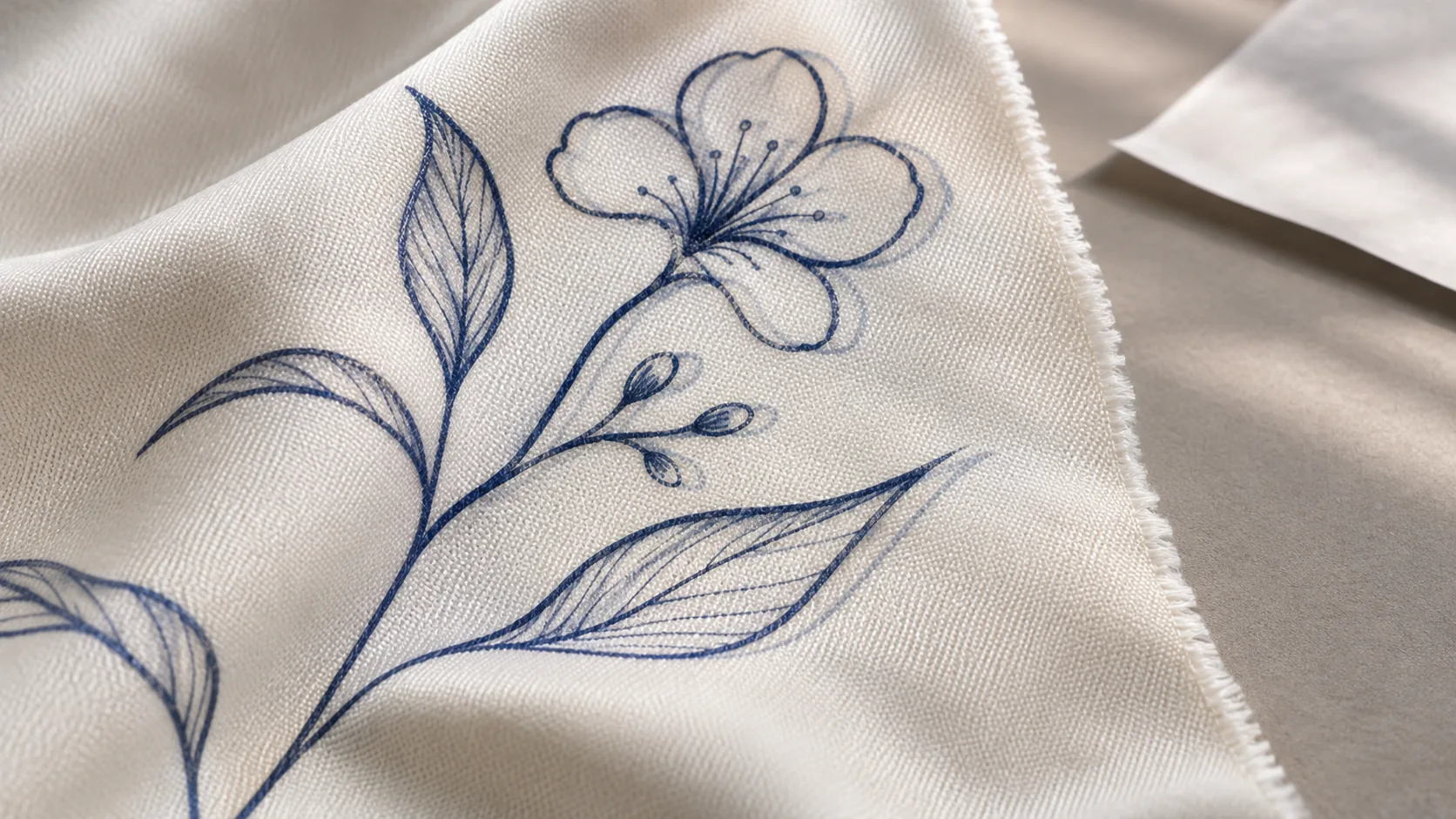
The cover is an AI-generated illustration, not a photograph of a production test.
In sublimation transfer from paper to polyester fabric, ghosting appears as a slightly offset second outline of the design. A faint duplicate may appear beside a fine letter, or a second edge may accompany a line. The process discussed here is paper-based sublimation transfer using a heat press.
During sublimation, heat causes the dye on the paper to transfer into the polyester fibres. If the paper and fabric change position relative to each other while this transfer is continuing, dye may also transfer at the new position. The same design can then leave an impression in two slightly different places. The aim of prevention is to maintain the relative position of the paper and fabric throughout dye transfer.
Begin the inspection before transfer by examining the text and lines on the printed paper. If the second edge is already present on the paper, the printer output is the first area to investigate. Follow the alignment and paper-feed checks specified in the maintenance instructions for the printer model in use. These checks investigate why the print is not forming in the correct position on the paper; the adjustment procedure is specific to the printer.
If the edges on the paper are clean but a double outline appears on the fabric, focus the inspection on positioning, pressing and paper removal. However, first noticing the defect when the paper is lifted does not prove that it formed at that moment. A mark created while aligning the paper on hot fabric or during the press cycle may also become visible only once the paper is removed. This comparison helps narrow down the possible causes.
Sliding transfer paper into alignment while pre-pressed fabric is still hot can create a risk of unwanted dye transfer before the main pressing step begins. If dye starts transferring where the paper first touches the fabric, that initial contact may leave a mark beside the design printed in its final position.
The appropriate precaution at this stage is to let the fabric cool before aligning the transfer paper. This reduces the risk that adjustments made during positioning will cause premature transfer on the hot surface. The step being controlled here is alignment before printing.
Once positioning is complete, assess the stability of the paper and fabric from the moment the press closes until the paper is removed. When choosing a temporary securing method compatible with the material, observe whether the closing and opening movements disturb the placement.
As the press opens, the paper may lift and settle back onto the fabric in a different position. Heat-induced fabric shrinkage can also change the alignment between paper and fabric. If dye is still transferring during these movements, a second outline may form. Opening the press does not necessarily mean that dye transfer has ended.
Check for paper lifting, sideways movement and renewed contact as the press opens. The securing method should maintain position throughout opening, and the paper should be removed in a controlled movement without dragging it across the fabric or letting it fall back onto the surface. If fabric shrinkage is observed, also assess dimensional changes under heat on a sample. Whether the paper should be removed hot or cold depends on the instructions for the product being used.
Some sublimation papers described as tacky have heat-activated adhesion. This property is intended to reduce movement between the paper and fabric. In products developed for stretch polyester fabrics and manual heat-press applications, the aim is to help maintain the position of the design during transfer.
The appropriate level of adhesion should be assessed alongside the fabric finish. Finishing refers to treatments applied to fabric that can also affect its surface properties. Because different surfaces may require different levels of adhesion, stronger adhesion is not necessarily the better choice for every fabric. Test the selected paper with the fabric intended for production, examining both the double outline and how the paper releases.
The function of this paper is to limit movement during transfer; it does not correct a double edge already present in the printer output. Paper selection should therefore be linked to the findings of the initial inspection.
Changing one variable at a time during preliminary trials makes comparison easier. For example, if temperature and time are also changed while evaluating a securing method, it becomes unclear which intervention is associated with the result. Temperature, time and pressure should be selected to suit the fabric, paper, ink and equipment being used, then verified on a sample.
If no offset copy of the design can be distinguished, the edges have a smoky spread or there is general blurring, the appearance alone is not enough to diagnose movement-related ghosting. With such symptoms, focusing only on securing the materials in position may narrow the investigation too much.
DTF is a separate process in which pigment ink is printed onto film and the ink layer, prepared with a hot-melt powder, is transferred to fabric. The sublimation precautions discussed here do not provide a procedure that can be applied directly to DTF. In the case of dye migration in heat-applied vinyl transfers, the fabric dye changes the colour of the transfer above it. That colour change is a different symptom from a slightly offset second outline of the design.
Explore our fabric printing services.
Sources: Sawgrass sublimation printing glossary; Epson adhesive transfer paper.
phone: +90 212 576 5250
fax: +90 212 493 0336
email: info@unlutransfer.com
Yenidoğan Mah. Eser Sok. No: 6-8
Bayrampaşa, 34030,
Istanbul / Turkey
TR 9150171175
Bayrampaşa Tax Office